

Is patient appointment management the same as doctor scheduling?
No. Scheduling defines doctor availability; appointment management handles patient booking, serials and queues within that availability.
Keep bookings, patient serials and chamber queues organised without relying on a paper register.
Dr RankUp helps doctors plan and implement patient appointment management workflows for Bangladesh chambers. Bring reception bookings, walk-ins, confirmations, rescheduling and waiting queues into a clearer system tailored to your practice.

Phone bookings, WhatsApp messages and walk-ins can create duplicate serials or uncertainty about whose turn comes next.

Warning signs:
An online form is not enough. Staff needs a dependable appointment record and queue.
Focus on everyday operations:
Clearer booking:Put staff entries and eligible self-booking requests in one view.
Orderly serials:Apply serial-allocation rules to prevent avoidable clashes.
Easier walk-ins:Register unplanned arrivals without rewriting the queue.
Better coordination:Let authorised assistants see booking and consultation status.
Timely updates:Consider appointment confirmations, cancellation notices and reminders.
Useful oversight:Review daily volume, no-shows and corrections to identify process problems.
These are design objectives, not deployed features or guaranteed results.
Doctors may work at several chambers while patients book by phone, Facebook, WhatsApp or walk-in.
Typical journey: Available session → booking request → serial or slot → confirmation → arrival → waiting queue → consultation status.
Support serial-based, timed or mixed bookings; consider Bangla-friendly labels and mobile access. Patients need not download an app.

Booking records contain private contact information. Role-based access limits what each assistant can see or change, helping protect details that are not required for reception work.

An audit trail records booking changes and the staff member responsible, making corrections easier to review. Data minimisation means collecting only details needed to arrange the visit, rather than building an unnecessary clinical profile.
Booking is not diagnosis, triage or guaranteed consultation. Urgent cases need appropriate emergency guidance. Online consultations need separate BM&DC/DGHS telehealth, clinical and consent review.

Sirajul Islam, Co-Founder, brings full-stack software, database architecture, secure authentication and workflow engineering expertise to Dr RankUp's software planning.
Map calls, walk-ins, chambers and staff into a clear booking journey.
Choose serials, slots or sessions and prevent two requests claiming the same capacity.
Give reception a simple view for arrivals, walk-ins, queue calls and corrections.
Send approved reminders where available and update capacity after a change.
Test permission controls , data validation and change history. Define a downtime procedure for a weak connection; do not promise offline syncing unless that capability is actually built and verified.
Test duplicates, late arrivals, walk-ins, multiple chambers and handovers against actual queue status.
Train staff and use corrections and missed appointments to improve the process.
| Chamber situation | Appointment approach to evaluate |
|---|---|
| Patients are called in serial order | Session-based serial queue |
| Doctor maintains predictable consultation slots | Time-slot booking with capacity limits |
| Reception receives frequent unplanned visitors | Combined booked and walk-in queue |
| Doctor works across several locations | Chamber-specific session and booking views |
A booking rules engine applies allocation logic, reducing manual serial recalculation. Confirm feasibility during discovery.

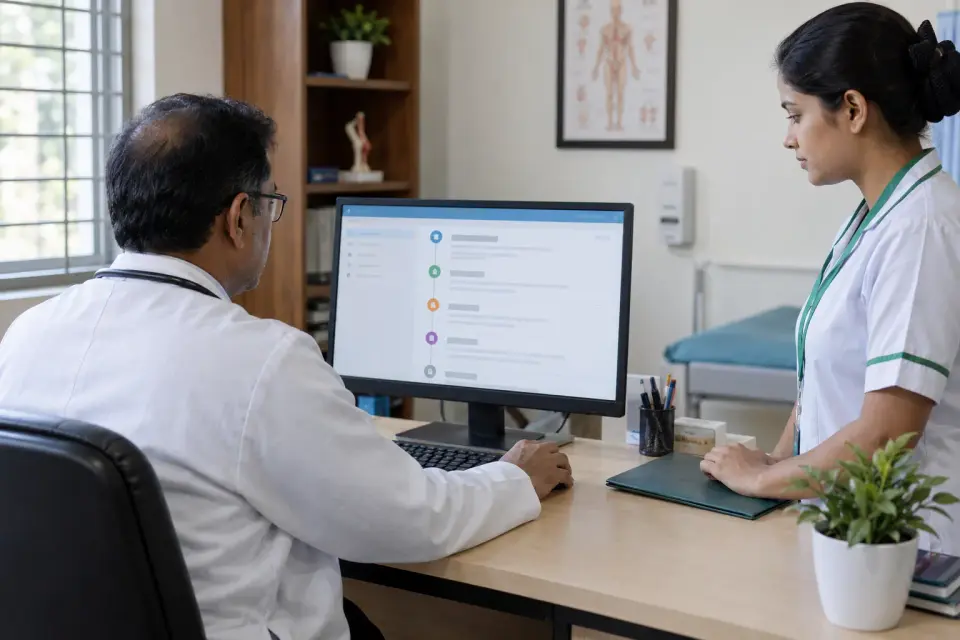


Start here if assistants lose track of serials, online and walk-in bookings collide, or multiple chambers need clearer appointment status.
If the real problem is changing doctor availability or weekly chamber rosters, start with Scheduling Software. If you mainly need a booking button on a new website, that may be a website integration rather than a complete appointment system.


Imagine one doctor with two assistants. A proposed process keeps each chamber queue separate while offering authorised oversight.
This is an hypothetical scenario, not a deployed Dr RankUp client case study. Exact permissions, integrations and downtime behaviour would require requirements approval and testing.
Compare duplicate serials, walk-in registration time and queue corrections before and after implementation.

Use dated observations and agreed definitions. Dr RankUp does not invent case-study results, promise no-show reductions or equate an appointment request with completed medical care.
Your chamber routine: We compare serials, slots and mixed queues against how your doctor and reception team actually work.
A practical system plan: Sirajul supports staff permissions and connected processes without adding features reception will never use.
Clear delivery boundaries: Hosting, support, price and readiness are agreed before work; a planned feature is never described as live.
No. Scheduling defines doctor availability; appointment management handles patient booking, serials and queues within that availability.
Yes, a proposed workflow can include walk-in registration alongside advance bookings, subject to the agreed build scope.
No. Staff entry, a web booking link and other suitable booking channels can be considered without requiring an app download.
A multi-chamber design can keep appointments and queues separate by location, with permissions for the appropriate staff.
Messaging may be integrated where supported and approved. Delivery, cost, consent and channel rules must be confirmed.
The chamber needs a documented fallback and reconciliation plan. Offline operation should never be assumed without testing.
No. Appointment records cover bookings and visit status, not a complete clinical history or patient treatment record.
Review booking channels and chamber rules to define the right module and implementation scope.

Founder & SEO Consultant, Dr RankUP
Review Your Appointment Workflow