

What is Online Report Portal?
It is a restricted website pathway for authorised people to view or download diagnostic reports after the laboratory has approved their release.
Let authorised patients access approved diagnostic reports without exposing confidential results.
Dr RankUp helps Bangladesh clinics plan an Online Report Portal connected to existing laboratory processes. It makes released documents easier to obtain while leaving clinical decisions with authorised clinic staff.

Patients may travel to a branch only to learn a report is not ready, call repeatedly for updates or receive documents through informal messages. Staff may face requests from the wrong person or send a file before permission.

Report collection can break down when:
A useful portal must confirm the right person, the right report and its approved release before access.
Clear status:Explain when a report is ready rather than reveal unfinished work.
Safer access:Show the right released report to the authorised person.
Less friction:Support retrieval without another avoidable branch visit.
Staff clarity:Separate report availability from laboratory processing steps.
Traceable changes:Handle replacements and revoked access deliberately.
These are process aims, not proof of faster lab turnaround or clinical safety improvements.
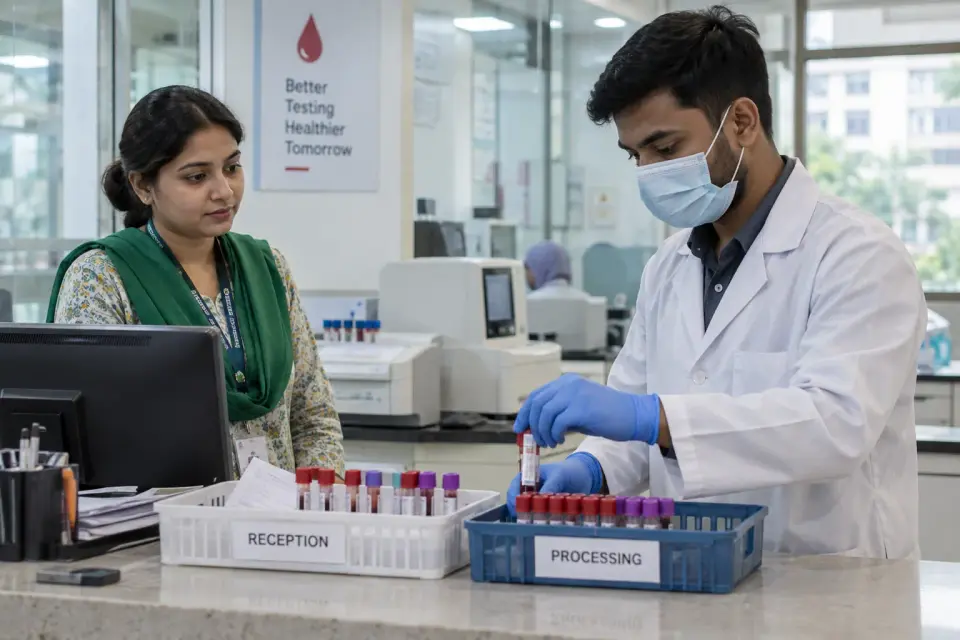
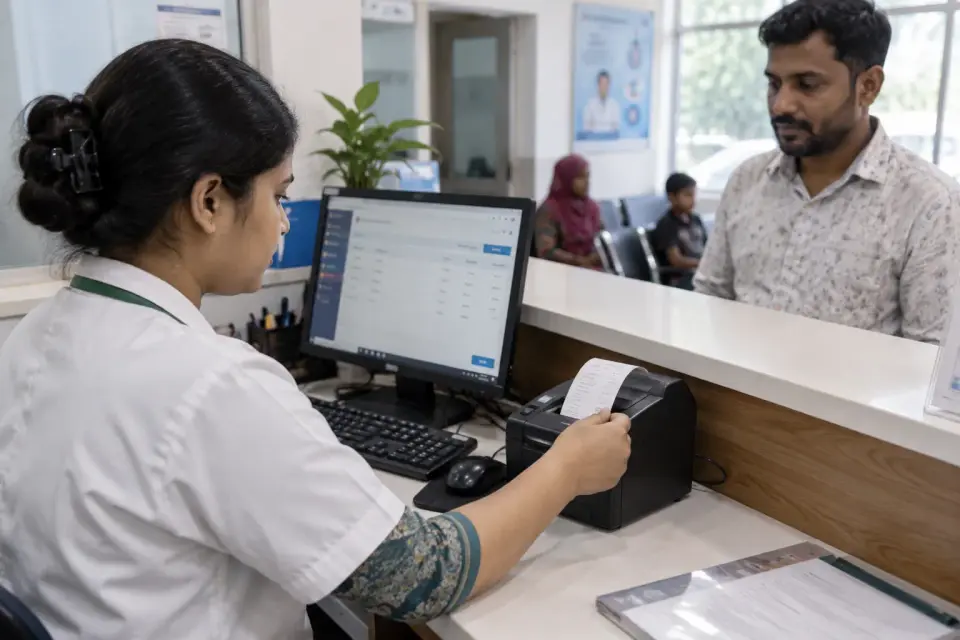
A patient may undergo pathology tests at one branch, receive a receipt with a collection reference and later look for a report using a phone. Some need printed copies.
Typical journey: Test completed → authorised laboratory release → patient identity check → secure portal access → view or download → suitable follow-up instruction.
For multiple branches, the portal should identify which organisation owns the report. Weak connectivity and forgotten references need a practical, privacy-preserving support process.

Medical results are sensitive. Access control must check entitlement to each individual report; knowing or guessing a report number is not document-level permission. Secure links need session expiry and careful sharing rules where appropriate.

The laboratory remains responsible for result accuracy, professional review and approved release. WHO laboratory quality guidance recommends an authorised check before reports are issued. A portal must not publish draft findings or interpret results as medical advice.
The clinic should establish identity verification, retention, correction, urgent-result escalation and breach-response policies with qualified reviewers. Public analytics must not record test results or identifiable patient information.

Sirajul Islam, Co-Founder, brings engineering experience in authentication, controlled document storage and system integration. Hridoy Chowdhury, Founder, helps ensure the public information explains the report access path without exposing private content.
Follow a report from completed test to approved release. Identify staff checkpoints and failure cases.
Agree on patient or representative identity checks, consent where applicable and allowed access periods. An authorisation matrix distinguishes patient access, reception support and laboratory approval.
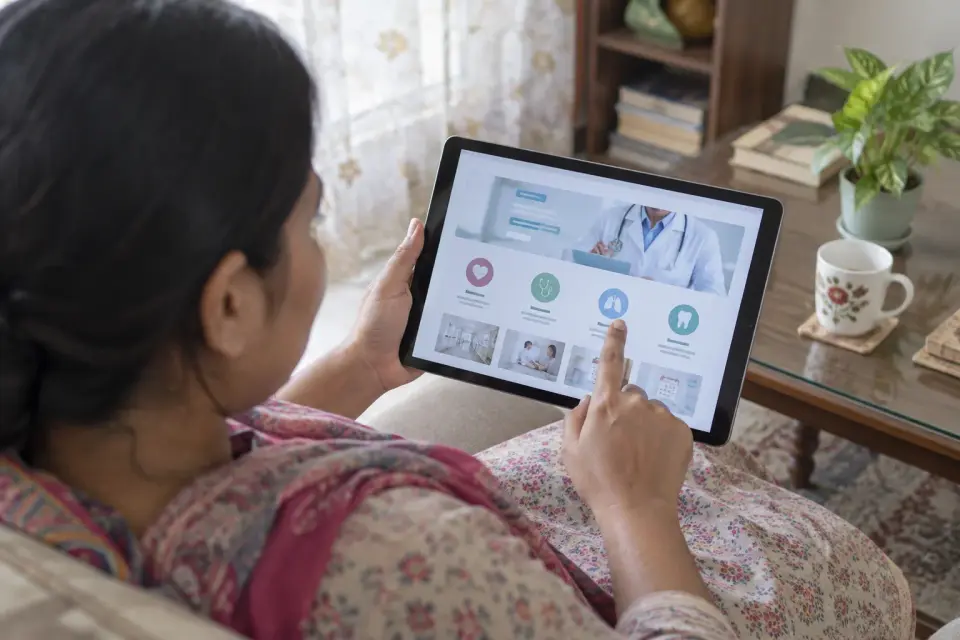
Create a mobile-friendly page that explains verification steps, report-ready status and safe support options. Avoid presenting a report as downloadable while it remains a draft or awaits approval.
Connect only released files through an authenticated portal. Check access for every document.
Record replacements and failed access. Decide when an old report is withdrawn and who is informed.
Test wrong identity, expired sessions, guessed references and poor connections. Train staff on recovery.
| Clinic's real need | Appropriate portal choice |
|---|---|
| Existing reporting system produces approved PDFs | Controlled integration after release |
| Several branches issue reports | Branch-aware identity and report ownership checks |
| Some patients need paper copies | Retain an authorised in-person alternative |
| Staff handle incorrect or replaced reports | Review, revoke and reissue process |
Authentication alone is insufficient without checking permission on every file. A short-lived access link, role-based permissions and audit logs can help, but the clinic must test the actual system against unauthorised access.

Consider this service when patients repeatedly ask whether reports are ready, several branches issue documents or informal PDF sharing causes confidentiality concerns. It works only when the laboratory already has a dependable approved-report process.
If results lack clear sign-off or corrections are uncontrolled, begin with Pathology Reporting Software. If test samples are regularly misplaced, review Diagnostic Management first.

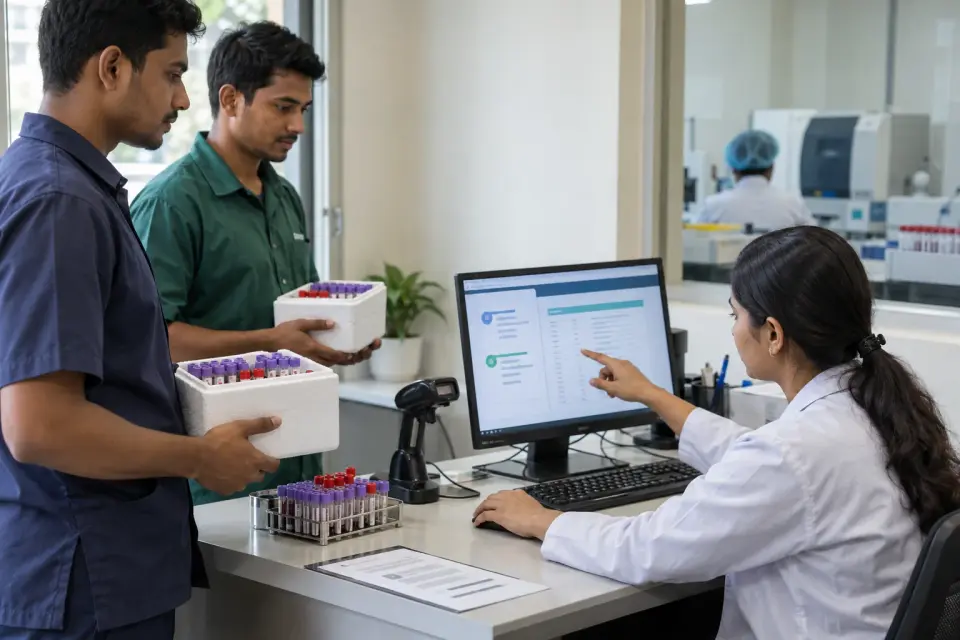
Imagine a diagnostic clinic receiving samples from two branches while one laboratory authorises results. Patients currently call whichever branch collected their sample.
A portal could show a safe access route after laboratory release, with identity checks tied to the correct document. It would not approve findings or automatically send critical results. This is a hypothetical design, not a completed client case.
Review access logs, failed identity checks and whether unreleased or withdrawn reports stay inaccessible. Record test cases and the approved reviewer of each control.

Do not claim 'fully secure', compliant or zero leakage without production evidence. A privacy impact review, vulnerability testing and recovery drills remain release conditions.
Approved reports first: Laboratory staff decide when the right report can be released to the right person.
Clear mobile access: Patients see understandable identity checks and status instead of assuming every file is ready.
Tested promises: Sirajul plans delivery with clinic approval; instant or offline access is promised only when tested and proven.
It is a restricted website pathway for authorised people to view or download diagnostic reports after the laboratory has approved their release.
Yes, where a mobile-accessible portal and the required identity, permission and file handling are implemented and tested.
No. Draft or unapproved results should not be available through a patient-facing portal.
Not by itself. The portal needs appropriate identity and document-level access checks.
The clinic's designated qualified laboratory personnel follow its authorised review and release process; the portal does not make that decision.
The clinic needs an approved amendment process that governs the old copy, the replacement and appropriate notification.
Yes, if report ownership, branch context and patient permissions are implemented correctly.
No. Pathology Reporting Software prepares and authorises reports; this service provides controlled patient access to released copies.
Start with your laboratory's real sign-off process and patient identity requirements. Dr RankUp can scope a practical portal that respects clinical authority and confidential records.

Founder & SEO Consultant, Dr RankUP
Review Your Report Access Journey