

What is Pathology Reporting Software?
It supports entry, checking, professional approval, secure release and retrieval of laboratory result reports.
Help authorised laboratory professionals review, approve and deliver the right report to the right person.
Dr RankUp designs Pathology Reporting Software for Bangladesh clinics and diagnostic laboratories needing clearer result entry, report templates, verification, controlled release and correction history. We focus on a dependable reporting workflow rather than claiming software can interpret clinical results independently.

A laboratory may complete an investigation but still have several manual steps before the patient receives a report. Results might sit in spreadsheets, staff may copy numbers into Word, and approval may depend on locating the responsible professional.

Common difficulties include:
The real need is traceable checking, permission and release.
Clear draft status:Result entry and report approval remain separate actions, helping staff distinguish preliminary work from an authorised report.
Better review:Reference intervals can be displayed alongside values for trained personnel to check against laboratory-approved sources.
Correct identities:A linked patient and investigation record reduces repeated typing, while verification stays essential.
Safer corrections:Version history can preserve prior released copies rather than silently replacing them.
Appropriate distribution:Access permissions help stop unapproved staff viewing or sharing sensitive results.
These are operational safeguards. They do not guarantee diagnostic accuracy or replace laboratory quality controls.
A neighbourhood clinic may collect samples but rely on a main laboratory to prepare the final report. A larger diagnostic centre may run haematology, biochemistry and microbiology with different reviewers.
Typical journey: Verified test order → authorised result entry → checks and review → qualified approval → locked report → permitted delivery or retrieval.
Bangla or English report headings, department formats, printing arrangements and patient delivery practices should be agreed with the laboratory. A clinic may use preprinted pads or digital copies; neither format removes the need for report authorisation.
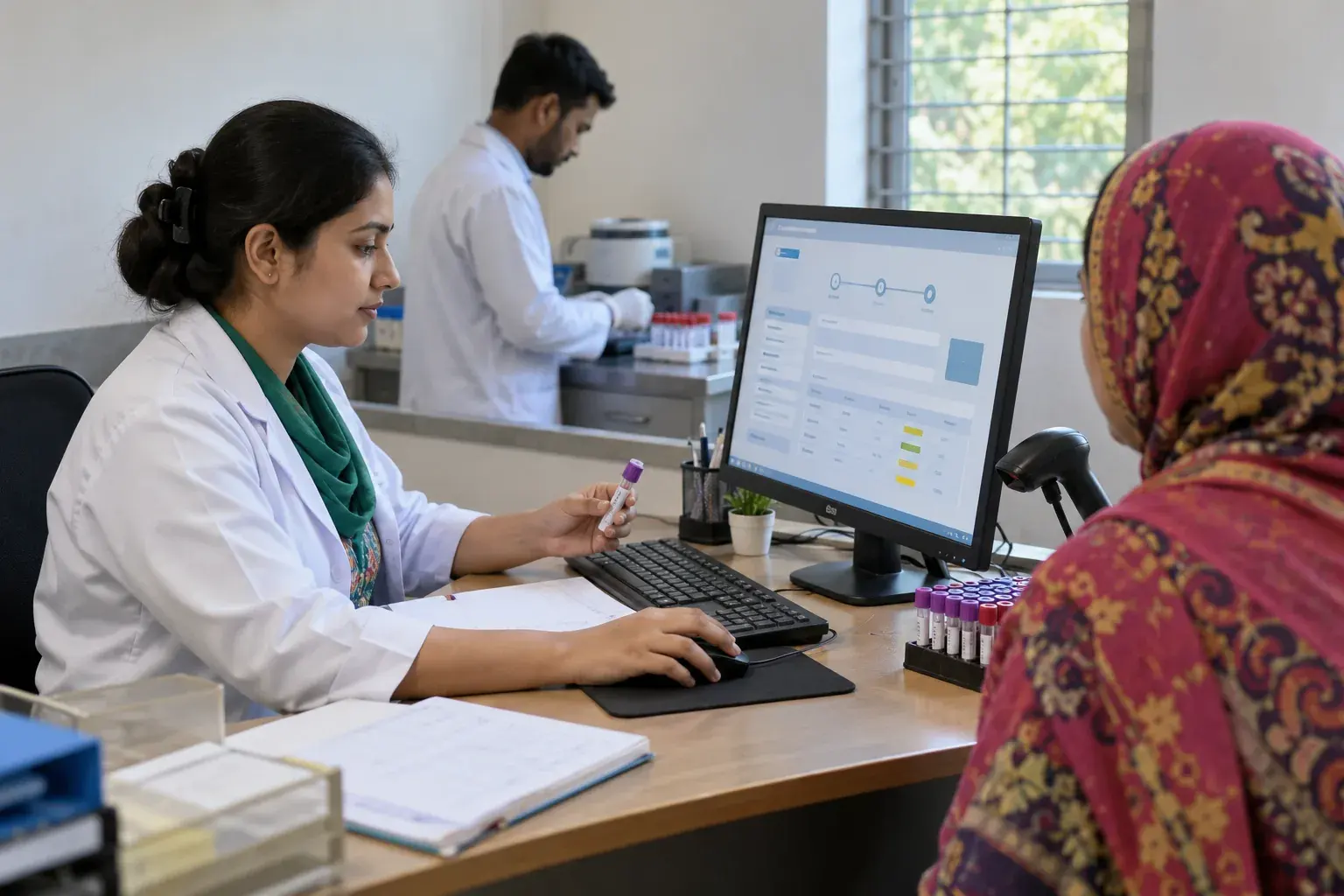
The World Health Organization recommends checking reported information and authorising laboratory reports before release. It also describes procedures for urgent or critical results to reach the responsible requester promptly through authorised staff.

Dr RankUp can plan a critical-result notification process, but the laboratory decides appropriate thresholds, escalation contacts and clinical actions. Report software must not invent reference ranges, override the qualified signatory or issue a diagnosis on its own.
Restricted links, patient identity checks and audit records matter when reports are shared electronically. Actual operators must review applicable Bangladesh requirements.

Sirajul Islam, Co-Founder, brings experience in software architecture, databases, secure access and workflow development. He can lead technical planning for report states, document storage and revision history.
Gather approved report formats, test sections, reviewers and common corrections. Mark what cannot be released early.
Agree on tests, units and ranges; let professionals check every important result.
Allow technicians to draft while designated reviewers approve. Show the status clearly before sharing.
Set urgent-result escalation and keep a dated record of corrections to issued reports.
Scope printable PDFs, access-limited links and authenticated retrieval as needed. Report sharing requires appropriate patient verification and permissions, not a publicly searchable document address.
Use fictitious test data to check mismatched identities, missing values, rejected drafts and revised reports. Qualified signatories confirm workflows before the clinic authorises real use.
| Laboratory problem | Appropriate design priority |
|---|---|
| Staff copy numbers into different templates | Reviewed, consistent result fields |
| Reception sends reports before approval | Locked release status and authorised sign-off |
| Old and corrected reports are confused | Amendment and version history |
| Patients need remote access | Verified recipient and protected delivery |
Machine-to-system import is optional and requires instrument-specific compatibility and independent validation. A sophisticated screen is not proof that a laboratory meets accreditation requirements.
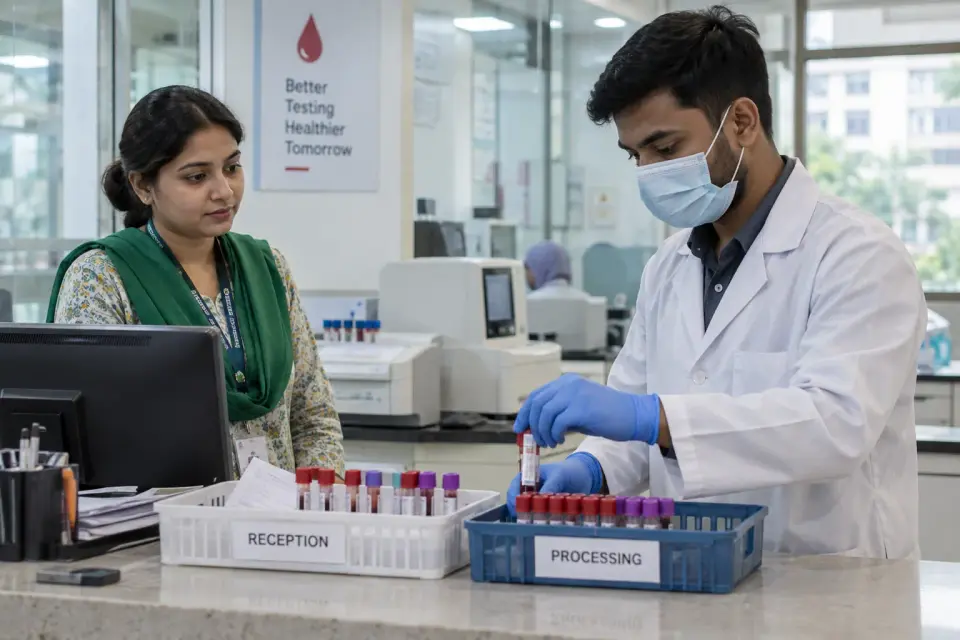



Choose this service when approved results are delayed by document preparation, signature handoffs or inconsistent report layouts. It also fits clinics struggling to locate previously released versions safely.
If tubes are going missing before testing, improve Diagnostic Management first. If a laboratory has no approved quality process, a software purchase cannot replace defining one with trained professionals.


Imagine a report has been authorised, then laboratory review finds a transcription mistake. Qualified staff assess the correction and any revised delivery.
A version-controlled process could preserve both issues, the amendment reason and the communication action. This is an illustration, not deployment proof.
Useful implementation evidence includes a signed acceptance checklist, test cases for unauthorised release, amendment histories and documented reviewer roles. Real operational baselines could track reports waiting for sign-off or reprint requests.

Clinical validity, diagnostic quality and professional compliance cannot be established by page copy or automated tests alone. Do not invent performance metrics, accredited status or laboratory case studies.
Permission before sharing: Lab professionals decide who checks, corrects and releases a result before any download is offered.
A clinic-ready flow: Engineers plan suitable collection points, printed copies and secure online access only where needed.
Changes you can review: Corrections and test outcomes remain traceable; feature readiness is checked before anyone calls it live.
It supports entry, checking, professional approval, secure release and retrieval of laboratory result reports.
No. Qualified laboratory personnel remain responsible for result review, interpretation and approval.
Yes, within an approved role structure; draft work should not become a released report without authorisation.
A scoped system can support laboratory-approved sections, units, layouts and reference information.
An amendment process should record the corrected issue, previous version, reason and authorised approver.
Yes, where implemented, through a protected route with appropriate identity and access checks.
Alerts may be configured using laboratory-approved rules, but trained staff must manage escalation and clinical response.
No. Diagnostic Management follows orders and samples; this service governs report content and release.
Dr RankUp can help plan trustworthy reporting workflows that keep drafts, approvals, amended copies and permitted patient access distinct.

Founder & SEO Consultant, Dr RankUP
Review Your Pathology Reporting Workflow